Back to the Brief

The EOW Brief

How to Use ChatGPT to Create Marketing Images for Your Small Business

September 10, 2026 · 4-minute read

A black-and-white photo of a man at the ocean holding a vintage rangefinder camera up to his eye, taking a shot.

Hi friends!

Maybe you're making a flyer for your first service. Maybe you're updating your website or organizing work for customers you already have.

This week's updates could help you prepare the materials you need to get started, and handle some of the work that comes after.

Here's what changed and what I'd try before spending money.

In this article

1. ChatGPT updated its photo and image tools.

What happened

On September 8, OpenAI released ChatGPT Images 2.5. It says the update makes images faster and improves small edits, like changing a background while keeping the rest of a photo the same.

It's rolling out across free and paid ChatGPT plans.

Wait, ChatGPT can edit photos?

Yes. You can upload a photo and describe the change you want.

For example:

  • “Remove the clutter behind this product.”
  • “Make the lighting brighter. Keep the item the same.”
  • “Make a flyer using these service details.”

If you're starting a business

You could test it on:

  • A product photo for your first listing.
  • A flyer explaining your service.
  • An image for a post introducing your business.

If you sell a service, you don't need a product photo to try it. Start with a simple flyer using accurate information about what you offer.

If you already run a business

Try updating a photo or preparing an image for a service you want to promote.

My take

Ask for one change at a time. Check products, faces, words, and contact details before publishing.

Use real photos when showing your actual work. An AI-created image should not be presented as a job you completed.

Do you need to pay?

Try the free version first. This update alone is not a reason to buy a subscription.

Source: OpenAI's image update

2. The new ChatGPT model can help with more work tasks.

What happened

OpenAI introduced GPT-6 Astra on September 3. A "model" is the part of an AI tool that does the work.

OpenAI says this version is better at tasks involving documents, spreadsheets, websites, and computer use.

What does "computer use" mean?

In tools that support it, AI can work through steps on a screen. That could include filling in a form or updating a record, rather than only telling you how to do it.

If you're starting a business

A useful test might be:

  • Turn your notes into a clear description of your service.
  • Organize startup costs into a spreadsheet.
  • Make a list to track possible customers and follow-ups.
  • Draft an outline for your first website.

Provide the facts and prices yourself. Check the result before using it.

If you already have customers

Try:

  • Turning job notes into a customer update.
  • Organizing orders into a spreadsheet.
  • Making a checklist for a task your team repeats.

Why this could help

Finishing your website or outreach materials can help you get ready to approach customers. Organizing existing work can give you more time to serve them.

Neither guarantees more sales. Track what you finish and what happens when you use it.

My take

Choose a task where you can check the answer. Start with a draft or file you can review before it affects your business.

Do you need to pay?

OpenAI announced access through paid ChatGPT plans, with usage limits. If you already subscribe, check your account before buying anything else.

Source: OpenAI's announcement

3. There's a free program for teams learning to use AI together.

What happened

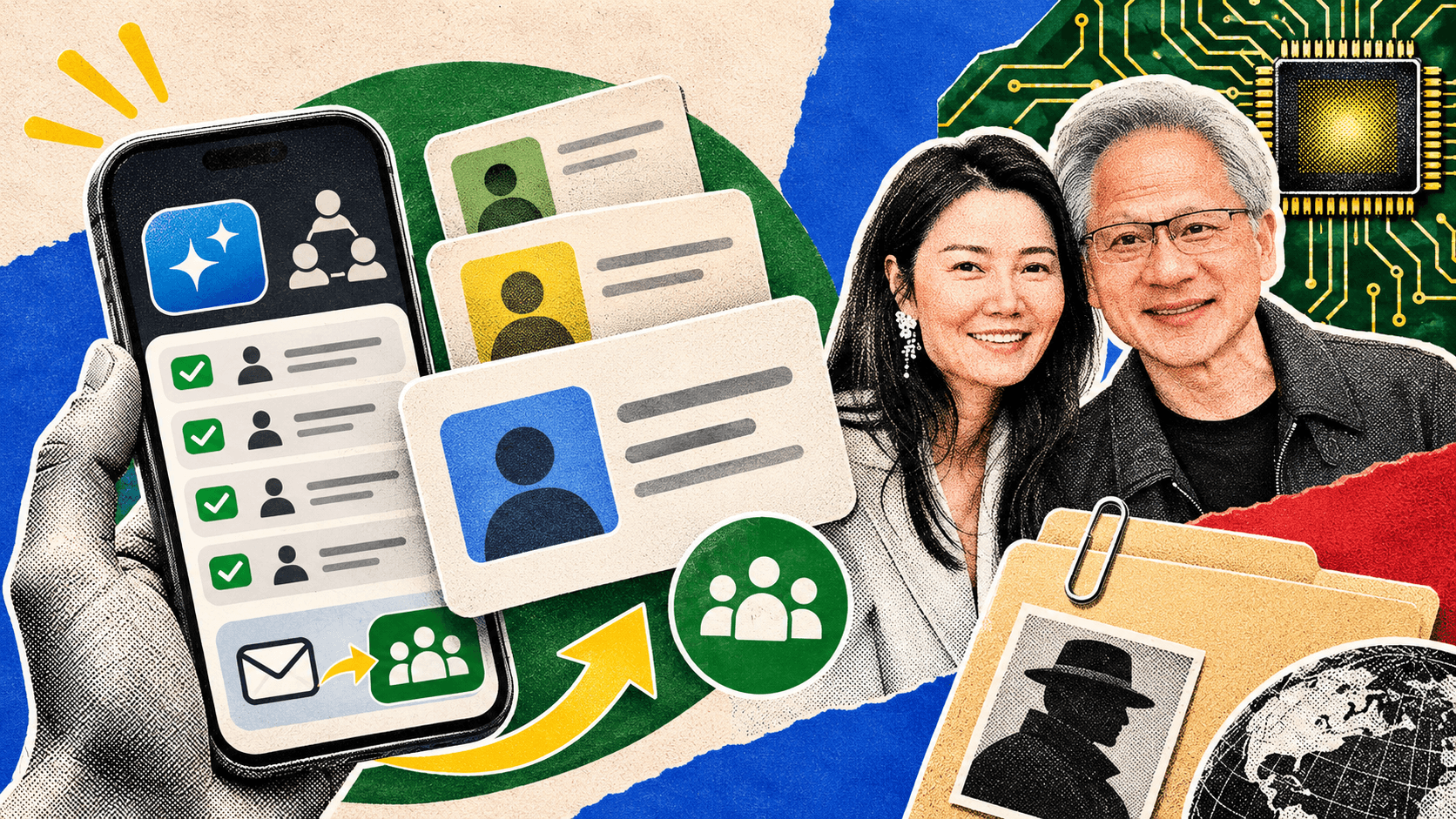
The AI Daily Brief announced a free, four-week program called the Multiplayer AI Sprint. It helps teams choose and build a shared AI agent.

Who might find it useful?

People working together who keep passing information back and forth.

That could be an established team, or two people preparing to launch a business together.

A shared setup could help them work from the same service details, plans, and instructions.

If you work alone

You don't need a team project to begin using AI. Try one task, such as drafting a service description or organizing your business notes.

My take

Consider the program if you have people to work through it with and a clear shared task. Otherwise, begin with your own work.

Source: Read about the free program

What the heck is an AI agent?

An AI agent is software that uses AI to work through steps toward a goal.

A chat tool

You ask it to help write a description of your service. It gives you a draft.

An agent

With the right setup and access, it could gather your service notes, prepare a draft, and save it in a document for you to review.

For an established business, another task could be finding new inquiries and preparing replies.

What it needs to work

It needs clear instructions, the right information, and someone to check its work.

Do you need one today?

First, name the job you need help with.

"Prepare a draft of my service page" or "draft replies to new inquiries" gives you something specific to test.

You may find that a regular chat tool is enough.

Is it worth the money?

Here's an example with made-up numbers:

  • A tool costs $20 a month.
  • After checking and fixing its work, it saves you 10 minutes per workday.
  • Over 20 workdays, that gives you back 3 hours and 20 minutes.

That's about $6 for each hour saved, before setup time.

If you're starting out: those hours could help you finish your website, prepare outreach, or test an offer with possible buyers.

If you already run a business: you could use them to follow up on quotes, complete paid work, or finish earlier.

Time saved does not automatically become income. Decide whether the help is worth the bill, and try what you can access free first.

Try this before next Thursday.

Choose one thing you need to finish:

  • A flyer introducing your service.
  • A product photo for a listing.
  • Text for your website.
  • A spreadsheet for costs or jobs.
  • A customer reply or team checklist.

Try it with AI. Count the time spent, including edits.

Then use the finished work. Publish the listing, share the flyer, send the email, or try the checklist.

That's how you find out whether the tool helped.

Hannah

Keep learning

Want to put AI to work in your business?

The Brief keeps you informed. Leverage Labs gives you short lessons, guides, and prompts to help you use what you’re learning.

Get the Brief by email every Thursday.

AI and tech updates explained simply, written for business owners.

Free every Thursday. No membership required. Unsubscribe anytime.