1. How I'm using AI to organize business cards and follow up after networking events
I own a home services company, and I use software I built specifically for that business to keep track of clients and manage our day-to-day work. I essentially built my own trades business operating system that handles booking, payments, appointment reminders, follow-ups, lead pipeline, and team assignments.
But I wanted a separate system for my professional relationships.
People I meet through networking are not necessarily customers. They might be referral partners, people I can introduce to each other, or just someone I'd like to stay in touch with.
Those relationships need some organization and prioritization, too.
So I created a separate database for my professional network, much like a CRM.
CRM stands for customer relationship management. It's a system that helps you keep contact information, notes, and follow-up tasks together. But I wanted a separate one just for my professional relationships.
So I built one in Notion.
You don't need to know what Notion is to get started. Think of my setup as a digital address book: each person has a record with their name, company, contact information, where we met, and the next step I want to take.
Here's how I up-leveled this week
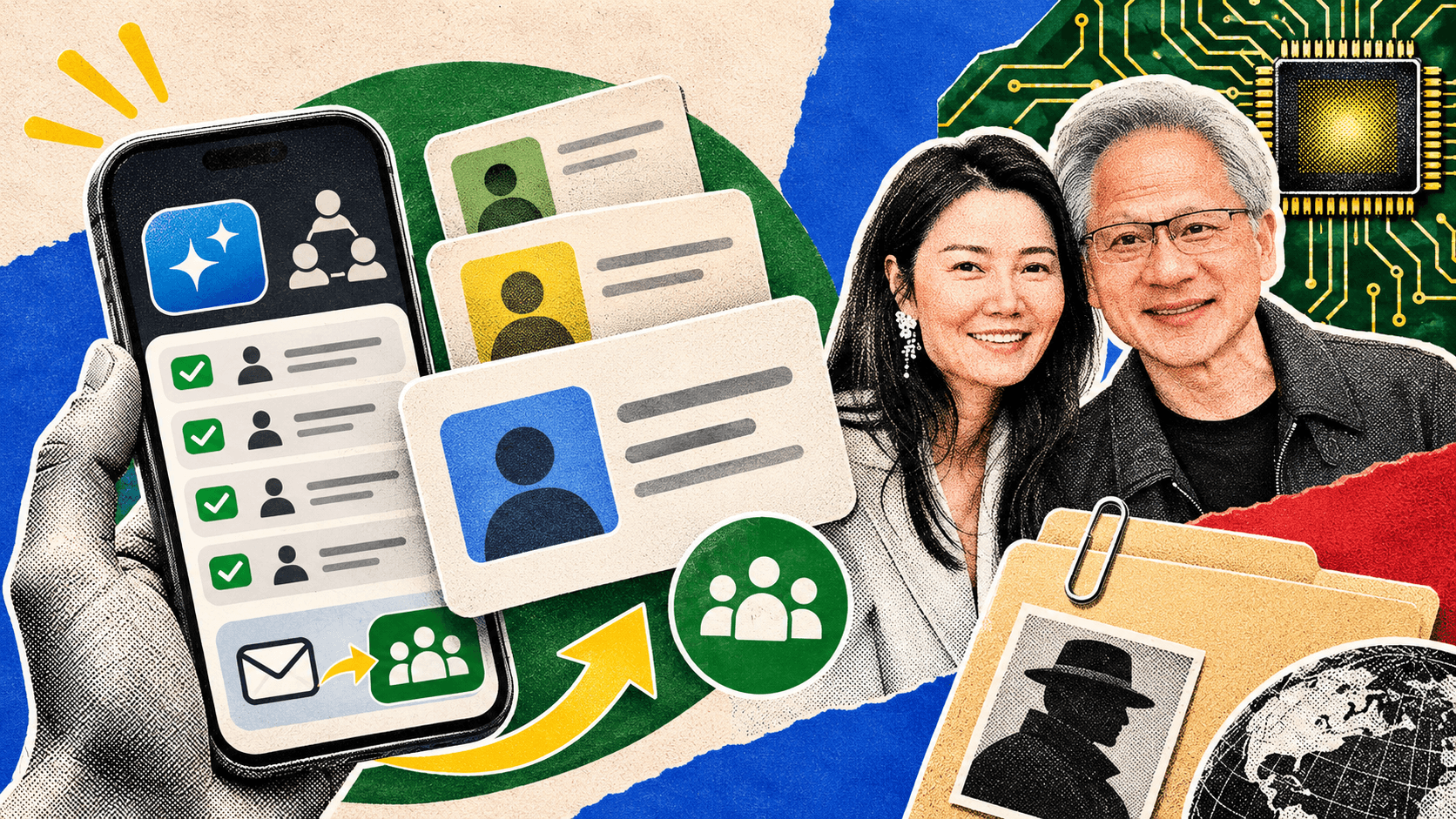
Now, when someone hands me a business card, I can take a picture of it and tell ChatGPT or Claude what I want to happen next.
I can ask it to read the name, company, email, and phone number from the card, check my networking CRM for an existing contact, and add or update that person's information.
Then I can give it a little context. For example:
"I met this web designer at a networking event this morning. Add her to my networking contacts. I want to introduce her to someone I know who organizes networking groups. Find that person in my database, draft a warm introduction, and leave the email in my drafts."
Because my AI is connected to my email and Notion accounts, it can help update my contact list and create an email draft for me to review.
I still read every email before sending it.
I don't want AI sending introductions on my behalf without my approval. I have it leave everything in my drafts folder, whether I'm using Outlook or Gmail, so I can check that the details are right and the message sounds like me.
Even if you're not a member of Leverage Labs, you can take a look at the lesson video. Of course, if you are a Lab member, click here to go to the lesson in your membership portal, where you can copy and paste the prompts and template to create your own system.
If professional networking is a big part of how you grow your business, I think this is an absolute game changer.